After selecting your streaming device, you can start streaming video from your iOS device. To do this, tap the “Videos” button on the main screen of Screen Mirror App.
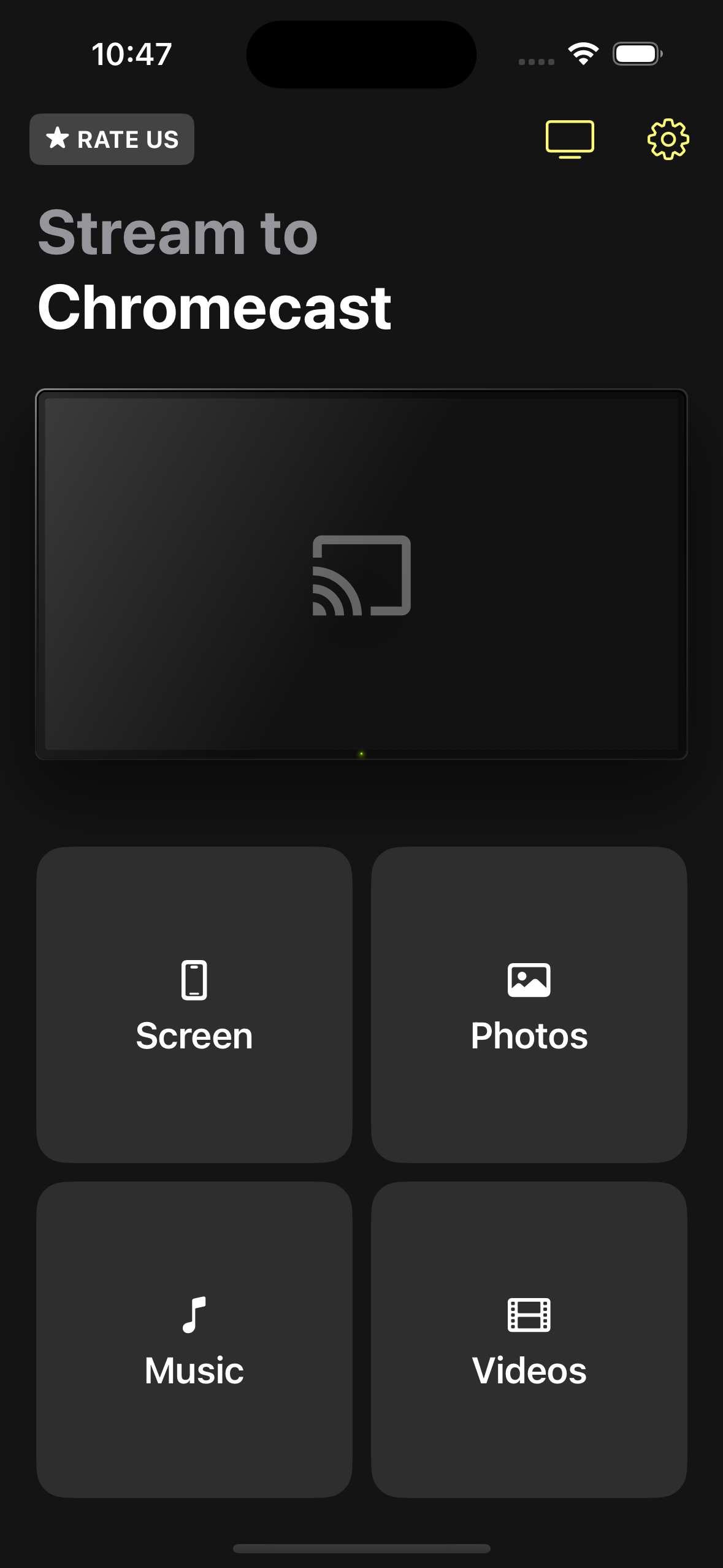
After that, you can stream any video from your Photos library to your streaming device.
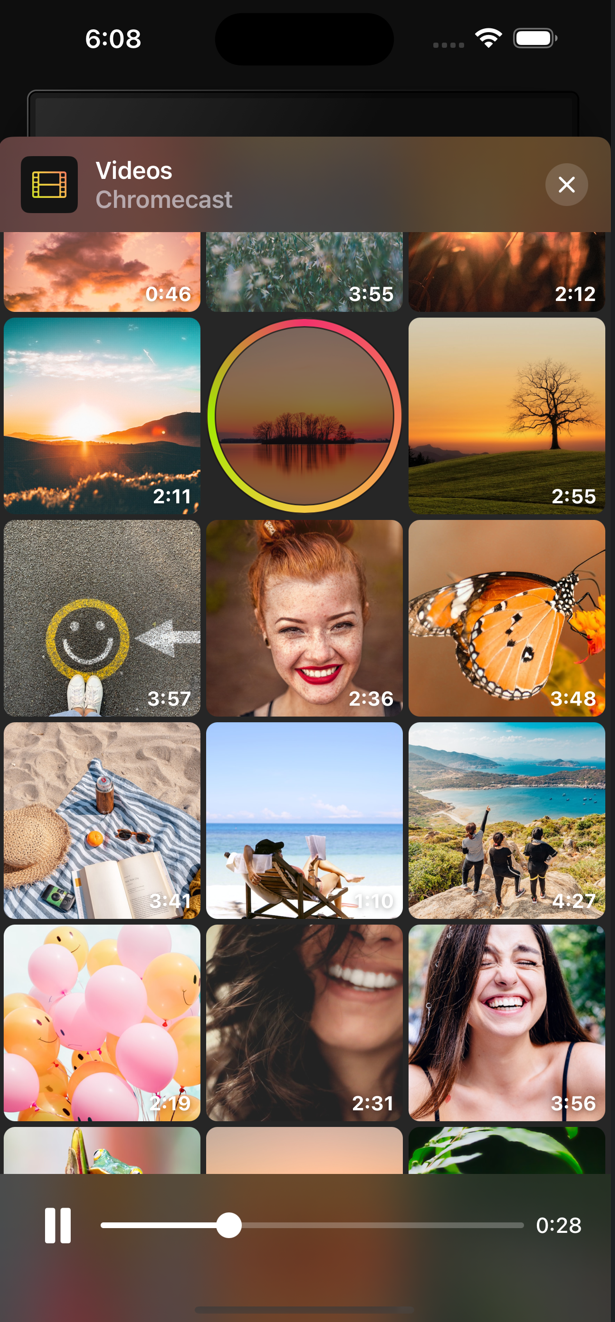
In order to do this, just tap on the desired video. To switch to another video – select the desired video from the list.
While streaming video, you can pause the playback or rewind to the desired place of your favorite video.
| Note: When streaming videos to Roku devices, you need to use the Roku remote control to rewind. |
In order to stop video streaming, tap the close button at the top of the screen.
| Tip: To change Screen Mirror App’s access to the Photos library, open System Settings, select Screen Mirror App from the list, and change the access level under Photos. |